MiFlow CRM: Keep Your Company Work Flowing
An all-in-one platform for managing customer relationships, tracking inventory, and monitoring business performance with intuitive reporting.

Frequently asked questions
System Guide
◈
◈
◈
Configuration
Data Management
Online Reports
Learn how to precisely configure your MiFlow to suite your company requirements.
Master the tools for importing, cleaning, and securing your critical customer data and other important data.
Generate online reports on the go. Reports can be exported via PDF and CSV file.
Configuration
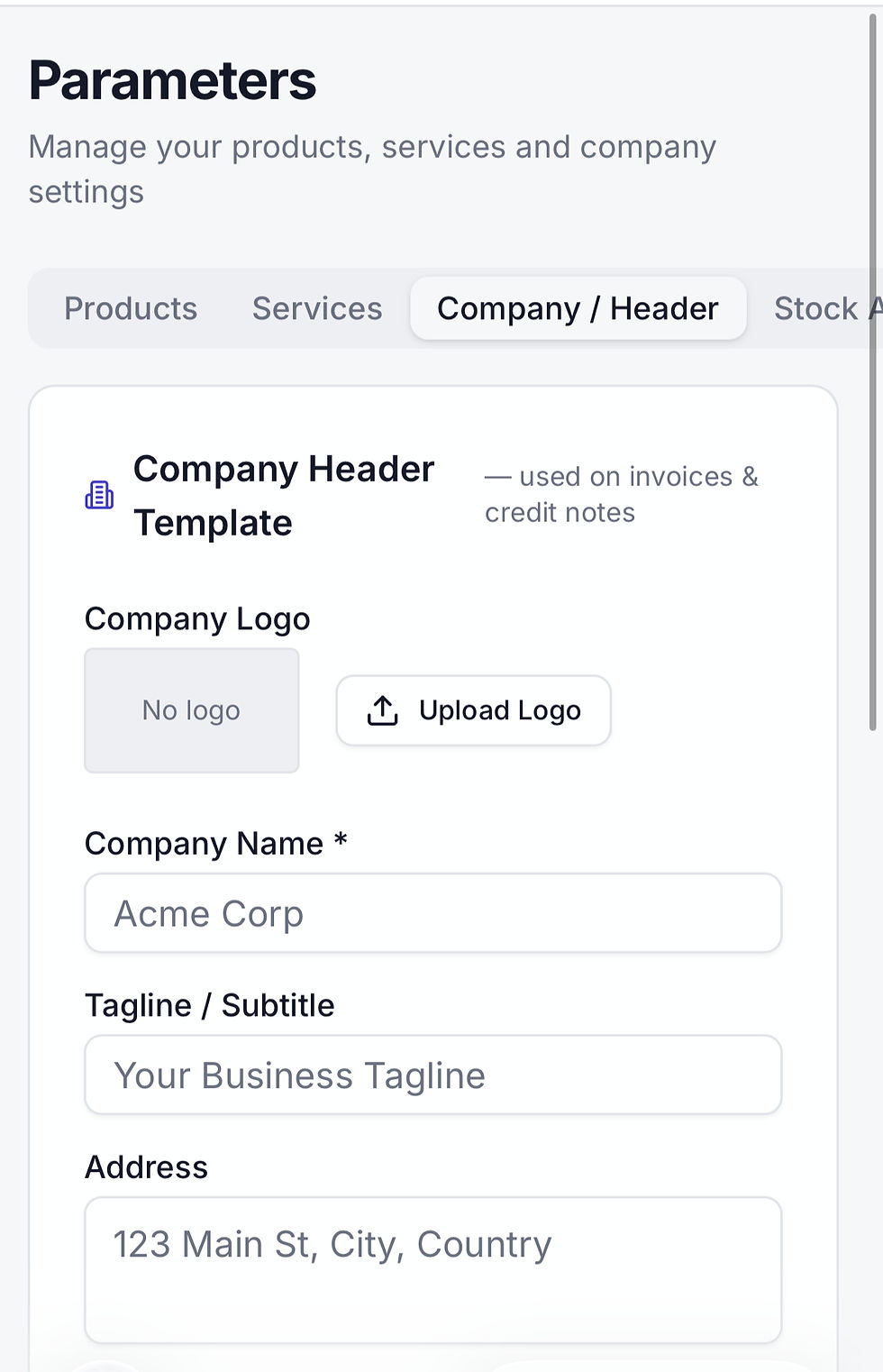
You can configure the following in the MiFlow CRM app:
Products
Create and update your company's products here with the product name, barcode, price, stock levels and etc. This product information will be linked to the sales, the issuance of the invoice and the online reports.
Services
Create and update your company's services here with the services offered and the pricing. This service information will be linked to the sales, the issuance of the invoice and the online reports.
Company Information
Upload your company logo and update your company static information here. These information will be translated into your generation of your invoices.
Stock Alerts
This notify you on the email stock alerts.
Data Management
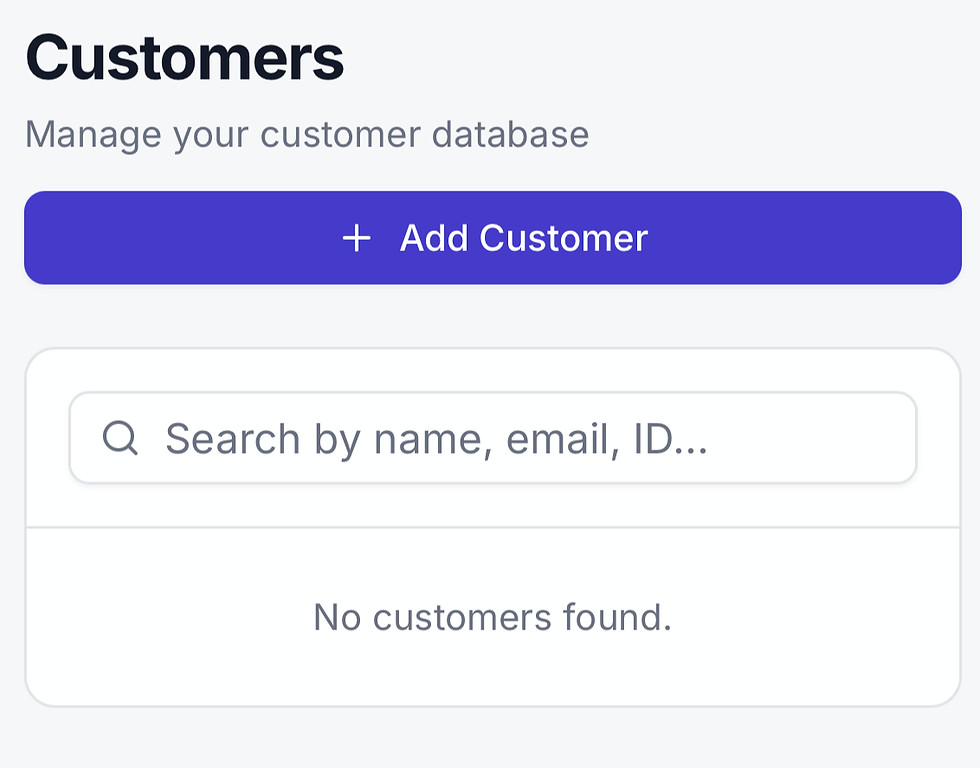
Manage the following important data:
Customers
Create, update, and maintain customer master information such as company name, contact person, address, phone number, email and customer type to support customer relationship management and after-sales service.
Suppliers
Create and update supplier master records including company details, contact information, payment terms, and tax information to improve procurement and supplier relationship management.
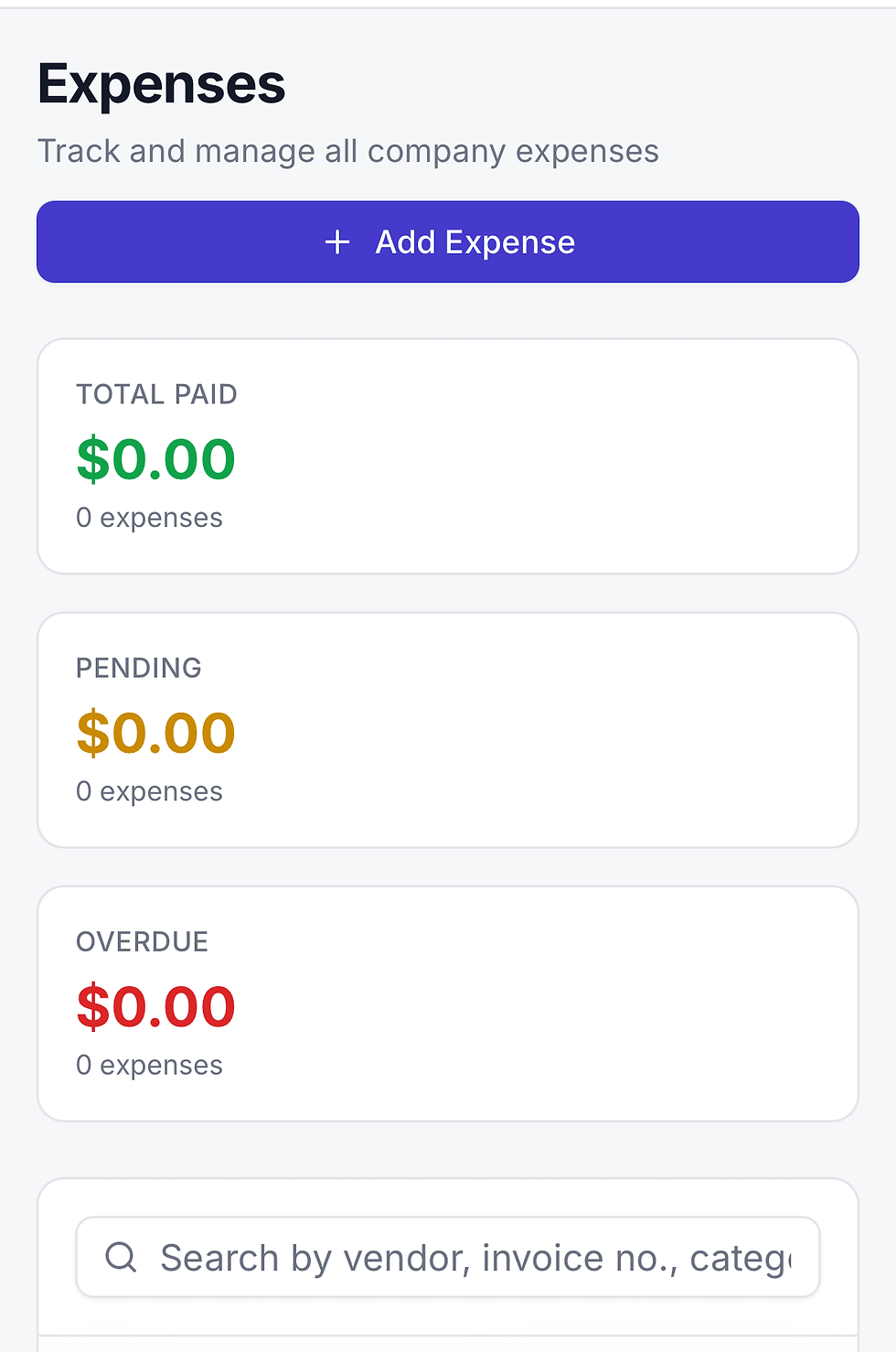
Expenses
Create, edit, and categorize expense records such as office expenses, utilities, transport, and miscellaneous costs. Track expense dates, amounts, payment methods, supporting documents, and approval status for accurate financial monitoring and reporting.
Sales
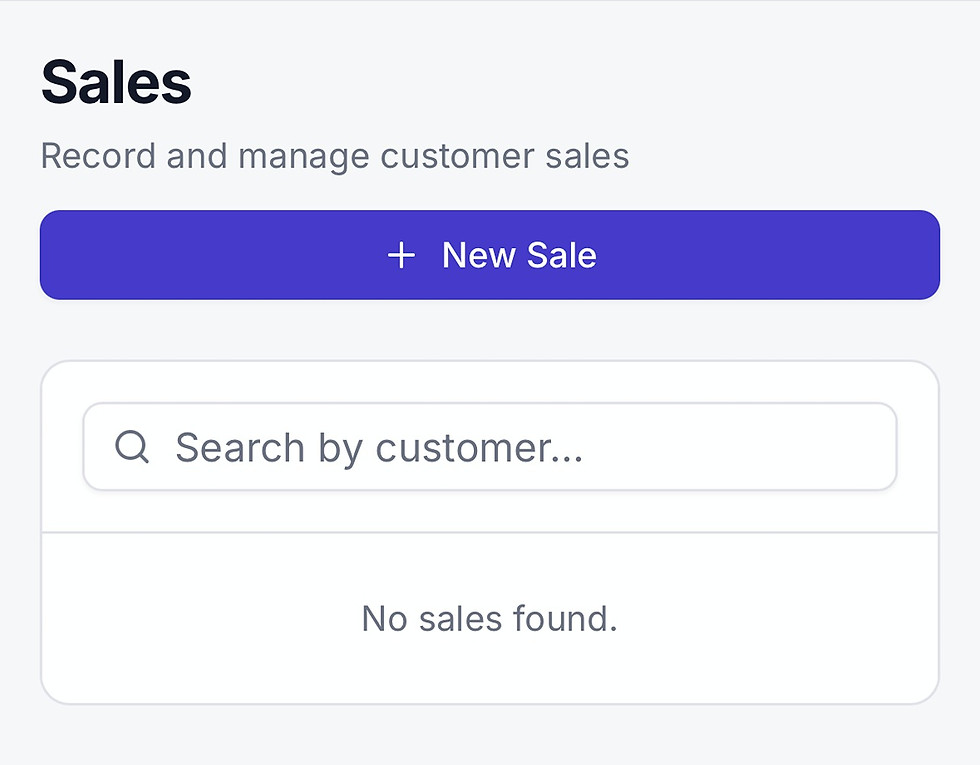
Create and manage sales quotations, sales orders, invoices, receipts, and customer payment records. Update sales transaction details, monitor outstanding balances, generate sales reports, and track overall sales performance and revenue trends.
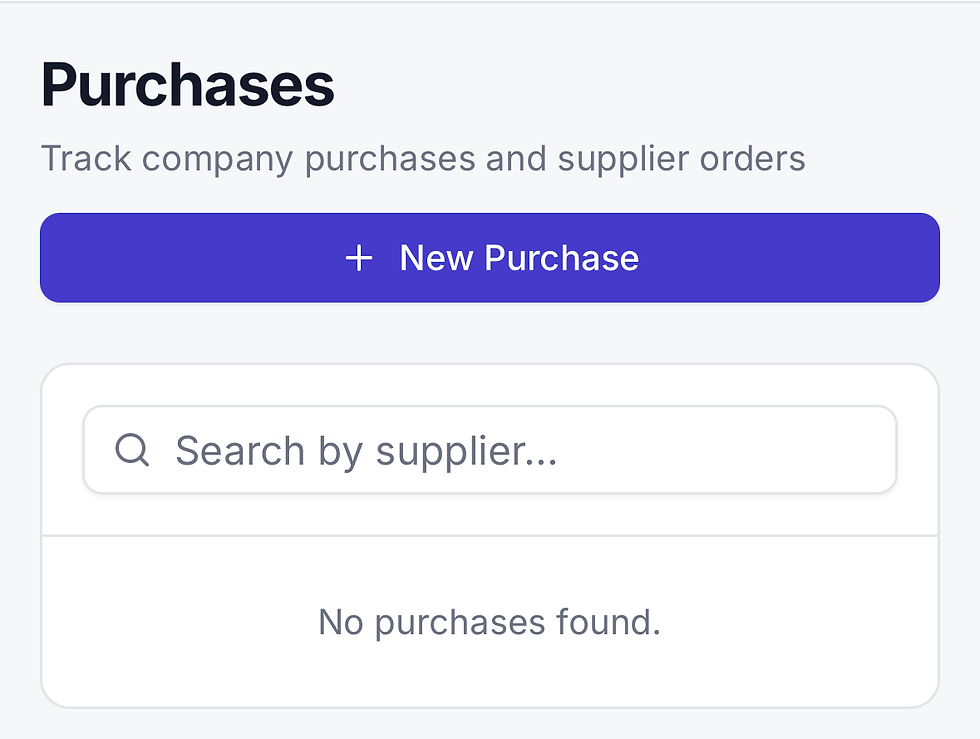
Purchases
Create and update purchase requisitions, purchase orders, supplier invoices, and goods receipt records. Track procurement status, item quantities, costs and payment information to ensure efficient purchasing and inventory management.

Online Reports
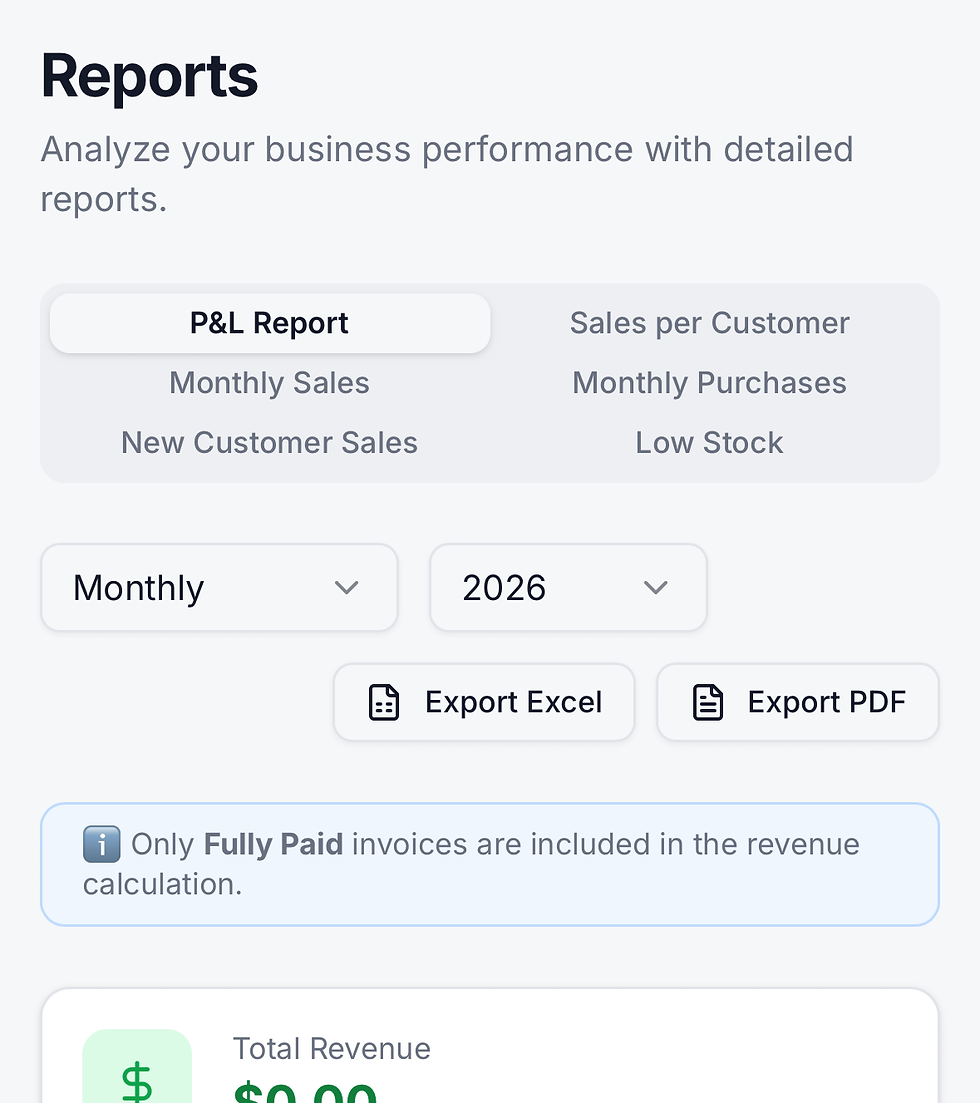
Generate and access online reports
Various online reports are available
Profit and Loss Report
Sales per Customer Report
Monthly Sales Report
Monthly Purchases Report
New Customer Report
Stock Report
Export your online reports
Reports are generated online and can be exported via PDF or CSV file
Share Your MiFlow CRM Feedback
Your insights help us refine MiFlow CRM to better serve your team's workflow.